
Printed materials such as flyers, posters, and business cards are printed on large sheets and cut into stacks. As stacks of paper can shift slightly during cutting, the blade can just miss the design. By paying attention to bleed, margins and frames you can ensure that your printed matter always looks good.
Bleed
In the file specifications you can find the bleed needed for each product. For most products, this is 3 mm. The bleed is cut away after printing and is not visible on the final product. If the knife cuts right next to the design, a white border will appear without a bleed. This can be easily prevented by allowing the background to run into the bleed.
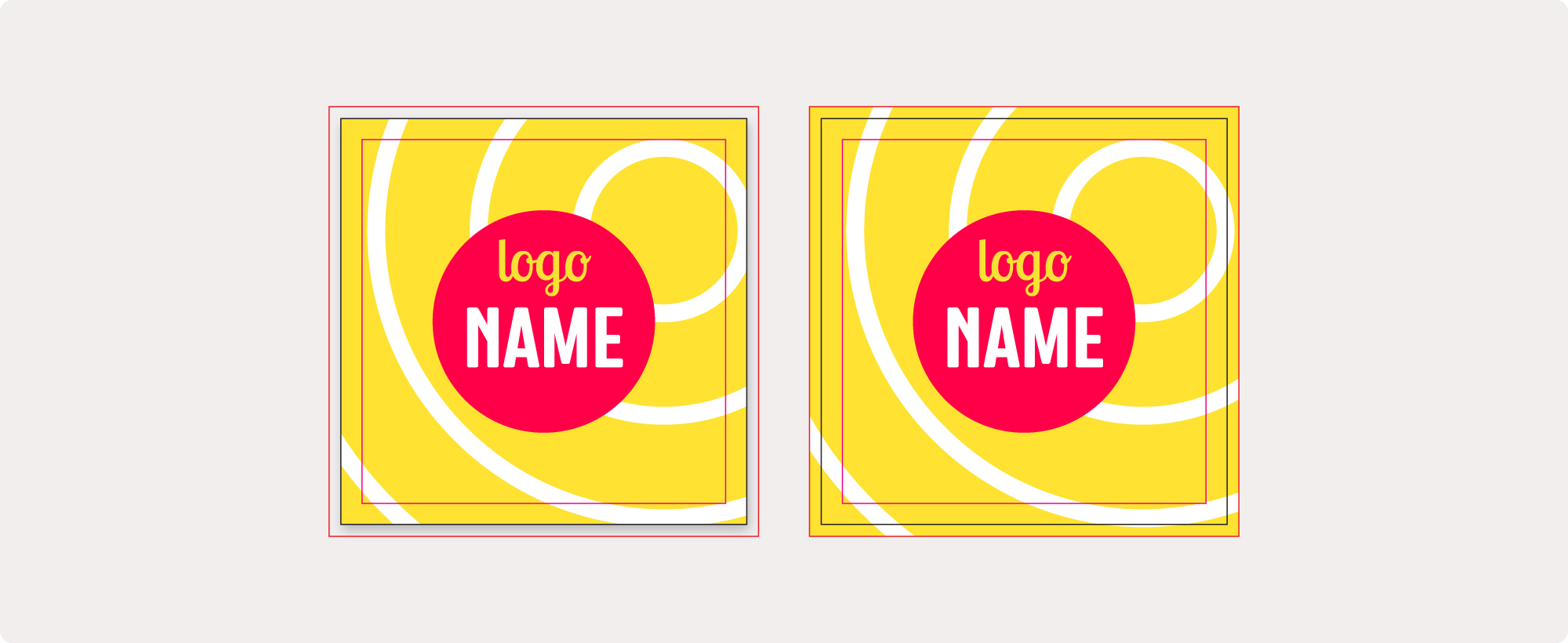 Without bleed vs. With bleed
Frames
By using frames, small shifts during printing become extra clear. The example below shows an A4 flyer with a 3 mm border. A shift of 2 mm during printing will be noticed immediately. Because we cannot guarantee that your design will be exactly centered, it is best not to use frames. Would you like to use frames anyway? Make the frames as wide as possible to make shifts less noticeable.
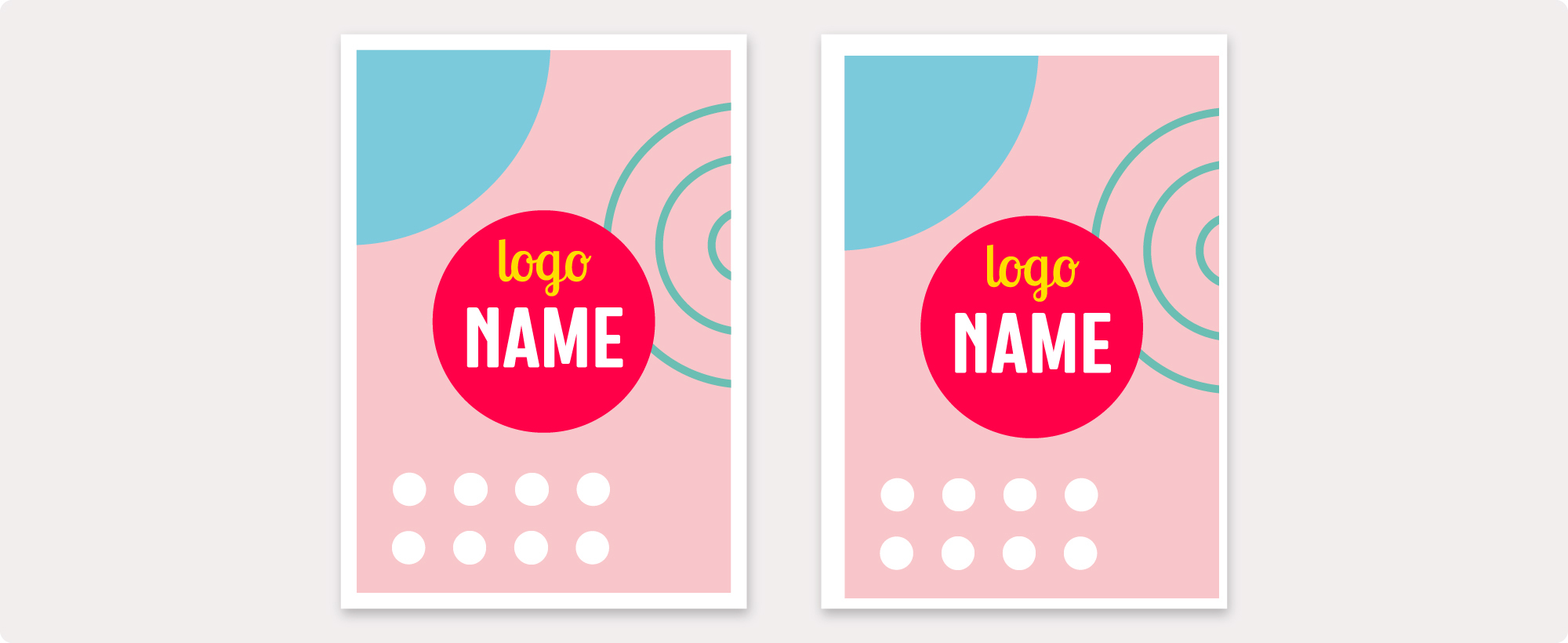 File vs. Result