
Please note: Shopify is an external e-commerce platform that we integrate with. For questions about how Shopify itself works, we refer you to the official Shopify documentation.
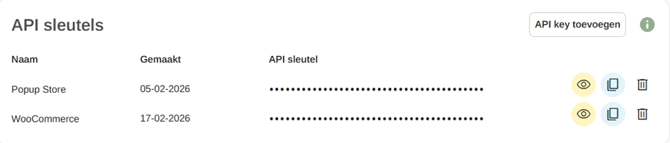
You need to add an API key. You can create this in the settings of your Print.com account. Go to https://app.print.com/account and scroll all the way down until you see the API keys section. Click Add API key and give the key a name. Then copy the API key and return to the Shopify app.
Please note: never share your API key with others for security reasons.
Next, open the Print.com: Print on Demand app and click on Settings. Paste your API key there and click Login. Your Shopify account is now connected to your Print.com web app.
